AI PC Explained: The Ultimate Guide to Buying Smart in 2026

If you have been shopping for a new laptop lately, you have almost certainly seen the term **AI PC** on every product page. Brands like Dell, HP, Lenovo, and ASUS are all using it heavily in their 2026 lineup. But what does AI PC actually mean? And more importantly — do you need to spend extra money on one? This guide cuts through the marketing noise and gives you a clear, honest answer.
What Is an AI PC?
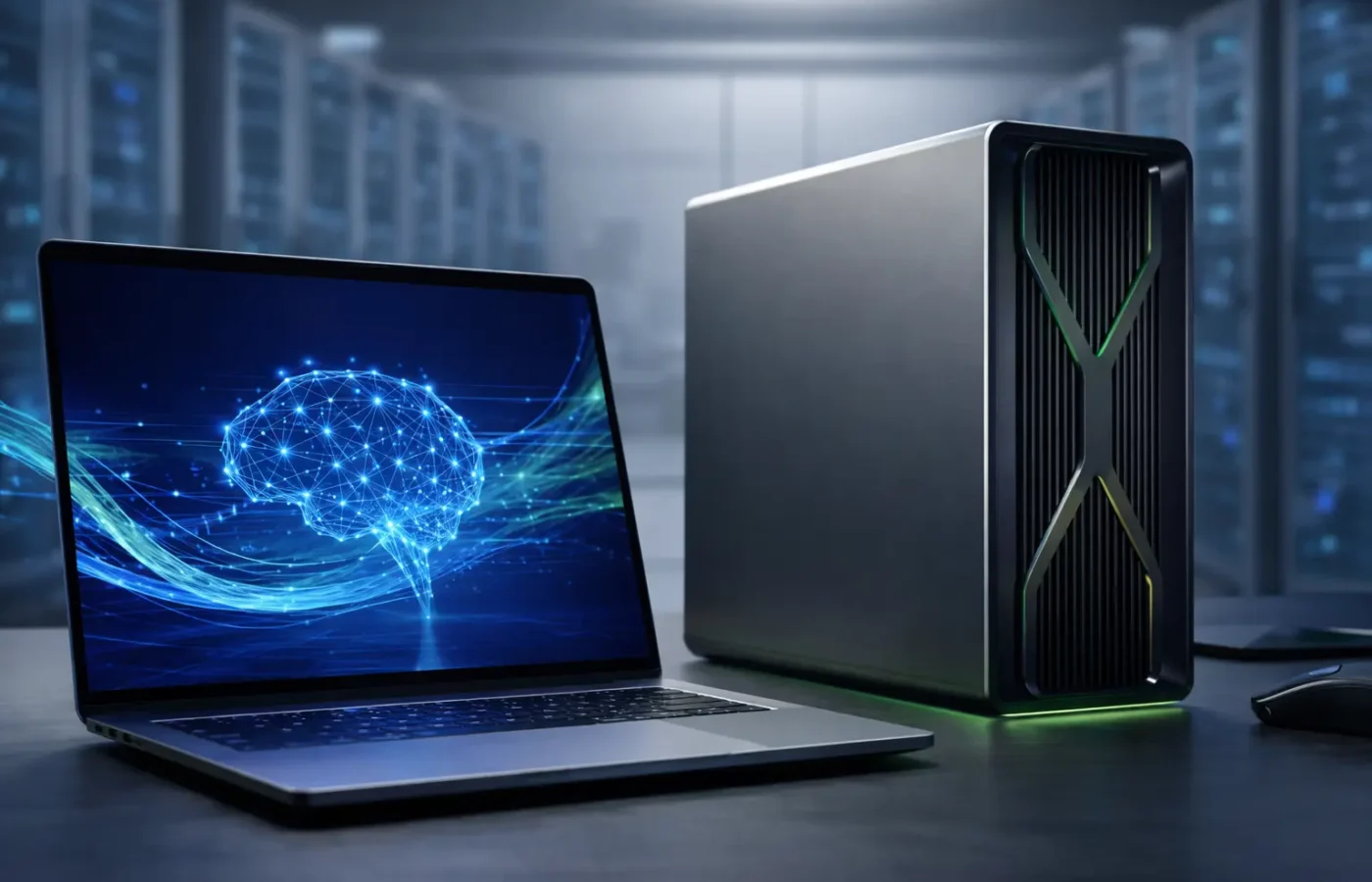
An **AI PC** is a laptop or desktop that includes a dedicated chip called an **NPU** (Neural Processing Unit). This NPU is built specifically to run artificial intelligence tasks directly on your device — without sending your data to the cloud.
On a regular laptop, AI-powered features like real-time language translation, background blur on video calls, or smart photo editing all work by connecting to a remote server. Your device sends the data out, waits for a response, then shows you the result. An AI PC removes that entire step. The NPU handles everything locally, right on the machine — which means faster results, better privacy, and no need for an internet connection.
Nvidia recently made a major move in this space by launching a new chip that combines its Blackwell RTX graphics technology with Grace CPU components, targeting Windows laptops directly. Apple, Intel, AMD, and Qualcomm are all competing in the same race. Every major chip maker now believes that local AI processing is the biggest battleground in personal computing for 2026.
What an AI PC Actually Changes for You
In everyday use, an AI PC speeds up tasks you might not even realize are AI-powered right now. Here are the most noticeable improvements:
– **Video calls**: Background blur and noise cancellation respond faster and run more smoothly — no lag even on slow internet
– **Photo editing**: AI-powered editing tools in apps like Lightroom or Canva process adjustments in real time instead of taking several seconds
– **On-device search**: Finding files, emails, or documents on your laptop happens almost instantly
– **Battery life**: The NPU handles AI tasks far more efficiently than a regular CPU, so your battery drains significantly less during normal use
For power users, an AI PC genuinely delivers. If you regularly run local AI image generation, use offline coding assistants like GitHub Copilot in local mode, edit videos with AI-powered tools, or use voice-to-text transcription throughout your workday — the dedicated NPU handles all of this noticeably better than any standard CPU trying to do the same job.
When You Do NOT Need an AI PC
Here is the part most laptop ads won’t tell you: if your daily use is mostly browsing the web, writing documents, managing spreadsheets, or streaming video, you will not notice a meaningful difference with an AI PC right now.
Most basic AI features — simple chatbots, standard photo filters, voice assistants — still work perfectly fine on a regular modern laptop without any NPU. Paying an extra $150 to $300 purely for the “AI PC” label, with no specific use case in mind, is not worth it for the average user in 2026.
The honest truth is that software is still catching up to the hardware. Many apps have not fully optimized for NPU processing yet, which means you might buy an AI PC today and not feel the full benefit for another 12 to 18 months.
How to Decide If an AI PC Is Right for You
Before you spend extra money on an AI PC, ask yourself these three questions honestly:
**1. Do you use AI-heavy tools every single day?**
Think: video editing software with AI features, local image generation tools, offline voice transcription, or AI coding assistants. If yes — an AI PC is a smart investment.
**2. Do you often work without reliable internet access?**
An AI PC runs its features locally, which means no slowdowns when your Wi-Fi is weak or unavailable. If you work from cafés, travel frequently, or live in an area with inconsistent internet — this matters a lot.
**3. Is battery life a daily frustration for you?**
If your current laptop barely lasts half a workday, an AI PC’s efficient NPU can genuinely help — because it handles background tasks without hammering your CPU and draining the battery.
If you answered yes to at least two of these — go for it. An AI PC will make a noticeable difference in your work. If you answered no to all three — save your money and buy a well-specced standard laptop instead.
Final Verdict: Is an AI PC Worth It in 2026?
The label “AI PC” is not just marketing — there is a real hardware difference behind it. A dedicated NPU chip built to run AI tasks locally, faster, and without cloud dependency is a genuine upgrade for the right user.
But the key word is “right user.” Power users who run AI tools daily will feel the improvement from day one. Casual users who browse, write emails, and stream Netflix will likely not notice a significant change until software development catches up with the hardware — probably in late 2026 or early 2027.
Before you buy, check the spec sheet for an NPU. Many mid-range laptops in 2026 already include one at no extra cost. If it is already there — great, you get the benefit for free. If a retailer is charging you a premium specifically for the AI PC label, make sure your actual workload justifies that price before you pay it.